

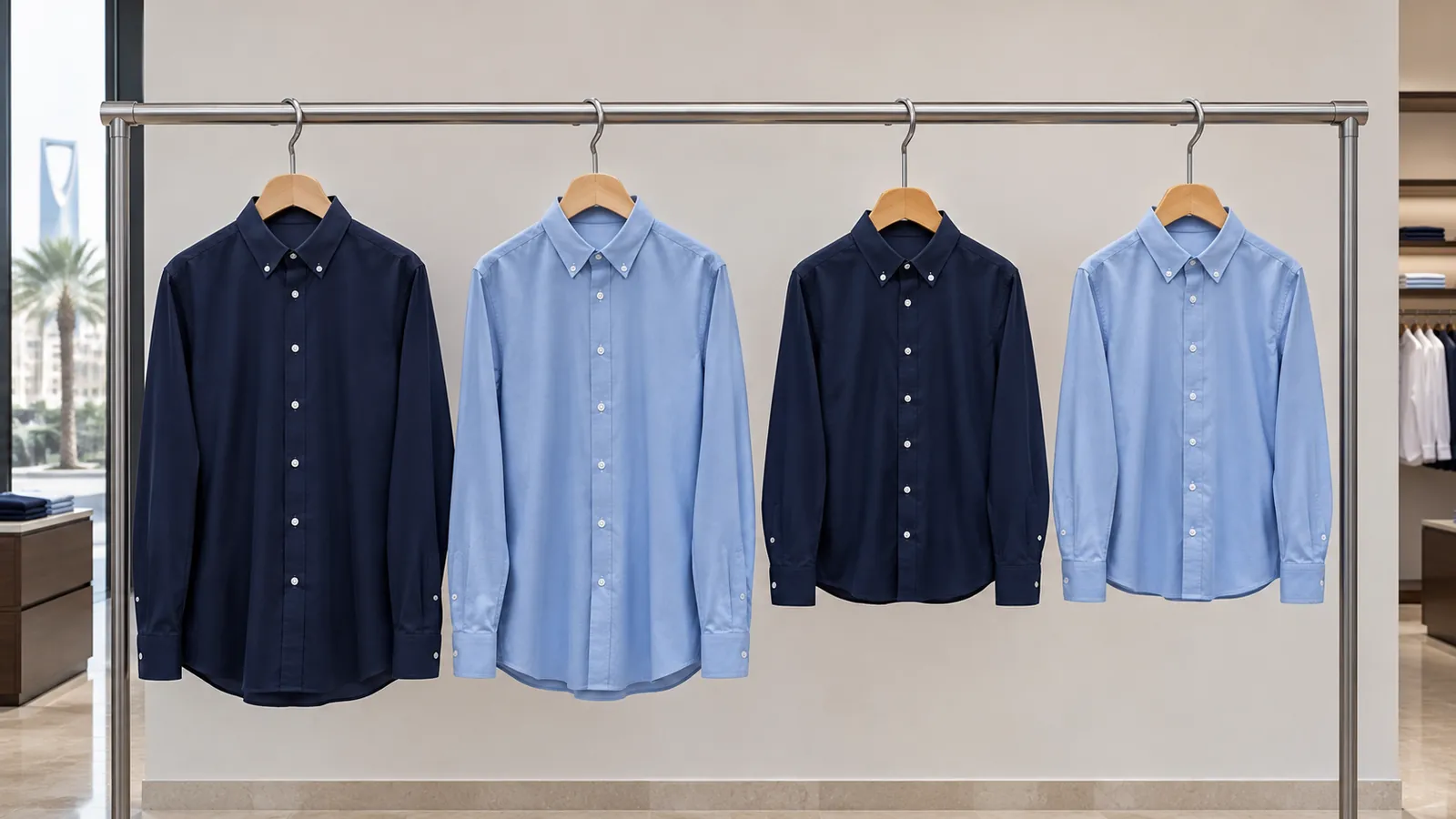
Quick summary
- Give the style a stable group ID and each sellable combination its own SKU.
- Build the selected offer from the same row that supplies the cart.
- Test a direct arrival, an unavailable size, and a promotion boundary.
Product variant structured data describes a style as a ProductGroup and each sellable color and size as a Product with its own offer. For catalog managers and developers, the acceptance check is simple: someone opening the offer link should be able to buy the item described at the price shown.
Define the family in product variant structured data
Start with the garment on the packing slip. A linen shirt might have one design name in the catalog, yet the warehouse picks a particular color and size. Ask for an export showing the style identifier next to every stock keeping unit (SKU). Sorting by the product title can quietly merge two seasons when a buyer reuses a successful name.
Choose a key that survives merchandising edits
Use an internal style code such as LN-14 for the shared identity. Attach the brand, common material, and style description to the group when they genuinely apply to every child. Put the specific shade and size on the child. If the black edition is a different fabric, moving the material down to the child is cleaner than maintaining exceptions in a description.
Google Merchant Center allows 1 to 50 characters for its item group ID. If you also publish a feed, check that tomorrow’s import will reproduce the same value for every sibling. A translated title makes a poor ID for a store serving both Cairo and Riyadh. The English and Arabic teams should be able to rename the shirt without changing which inventory rows belong together.
Map each size to the amount charged
Build the child from the row that supplies the add-to-cart action. In JSON-LD, the group’s hasVariant can hold child products and variesBy can name the differing properties, such as https://schema.org/color and https://schema.org/size. A small navy shirt and a large navy shirt can share a photograph. They still need separate identities if the warehouse manages them separately.
Read the currency and availability together
Google’s merchant listing reference specifies a three-letter ISO 4217 currency code for the offer price. An Egyptian storefront charging pounds would use EGP. Read the amount and currency from the same market price record. Formatting an Egyptian amount with the Saudi riyal symbol on screen can make the page look localized while leaving the offer wrong.
| Catalog field | Where it belongs | What to compare |
|---|---|---|
| Style code | ProductGroup.productGroupID | Sibling rows in the feed |
| Size and shade | Product.size and Product.color | Selected swatches on arrival |
| Selling price | Product.offers.price | Current unit price in the cart |
| Stock status | Product.offers.availability | Whether that exact SKU can be ordered |
A display label such as “from 900” serves a purpose when the customer has yet to choose a size. Once a size is selected, its offer needs the actual selling price. Follow a reduced color and a full-price color separately. If they produce the same price in the markup, check whether the template reads a parent-level minimum instead of the selected variation.
Match URLs to the storefront’s page model
Copy the address after choosing a nondefault color and size. Open it in a fresh session without first visiting the category. If the store restores the default option, the copied address fails as a variant offer URL even if the swatches worked while you were browsing. Test links from the feed too: some export jobs discard query parameters during cleanup.
Google Search Central specifies one distinct group canonical in its single-page model. Each address can still select a specific variant on that page. In Google’s multipage model, equally important variant pages carry their own group information and there is no single canonical for the entire family. Decide which model the storefront actually serves before changing the canonical template.
For separate color pages, give the local products a full description and reference siblings on other pages by their URLs as in Google’s multipage example. A link to another color should preserve the garment identity. Check that moving between colors never lands the visitor on a collection just because a translated product handle differs.
Handle promotions and unavailable combinations
A sold-out size can remain a real catalog item with an unavailable offer. A combination the manufacturer never made has no corresponding inventory row. Generating every permutation of the size and color labels creates phantom offers that look complete to a validator. Walk the actual sellable rows and let their stock state determine what the customer can select or reserve.
Check the cart after a stock change
A cached product page can retain yesterday’s availability after the inventory service disables checkout. Capture the selected SKU, page price, and cart response together. Refresh the page cache associated with that variation and repeat the direct arrival before adjusting the schema template.
Set up a promotion with a clear market and expiry time in your review notes. Compare what happens before and after the scheduled switch in the catalog, the rendered page, and the exported feed. A delay limited to one surface points to the update process for that surface. Rewriting every offer serializer can leave the underlying delay in place.
Test the selected URL against the rendered markup
Paste a nondefault variant URL into Google’s Rich Results Test. Expand the product nodes and find the exact SKU, then read its price, stock state, currency, and destination URL. A valid result answers a syntax and eligibility question. The cart comparison answers whether the marked-up sale is possible. I record both outcomes on the same catalog row.
- Open the link with no saved currency or previous selection and record the visible size.
- Inspect all product nodes for a second offer from the theme or an extension.
- Add the item and compare the SKU, quantity, and unit price with the source row.
- Repeat on a sold-out sibling and on the alternate language page.
If a hosted theme controls the output, document the field that introduced the wrong value and send the smallest reproducible example to the platform team. The Salla product page guide helps distinguish editable catalog information from template output. Include the URL that opens the affected size so the reviewer sees the same choice.
Release the mapping one style at a time
Approve product variant structured data when a complete family passes direct arrival, inventory, and cart checks in the relevant market. Keep that family’s identifiers and expected relationships as a reference for future imports. Add a second family with a different pricing pattern before enabling the mapping across the catalog.
Use the technical SEO checklist to review discovery and canonical signals alongside the offers. If several templates compete to describe the same item, a technical SEO review should start with one rendered page, its source inventory rows, and the price actually available to the shopper.
Does every size need its own URL?
Each variant needs an address that opens with the intended choice already selected. A parameter can carry that choice on a shared page. You can retain one canonical for the single-page group while giving shoppers and shopping feeds links that open a particular size and color.
Where should I put the shared ID?
Put the durable style identifier in productGroupID on the ProductGroup. Connect the child Product nodes through hasVariant or the corresponding group relationship. If you submit a shopping feed, keep the group identifier consistent across its sibling rows and give every sellable row a distinct item ID.
Which offer belongs to a color with several sizes?
Use the offer for the exact combination the buyer can order. When small and large have different stock or prices, resolve the selected size before composing the offer. Check the image against the color, then compare the item and amount added to the cart with the selected row.